
How to Verify the Official Pin-Up Website
Fake websites and scam pages may imitate brands to steal logins, OTP codes, and money. Use this checklist to confirm you are on the official website before logging in, depositing, or downloading the app.
18+ only. This website operates under a Curaçao license. Availability of services may depend on local laws and regulations. Nothing on this website constitutes legal advice.
See official licensing details: License & Operator
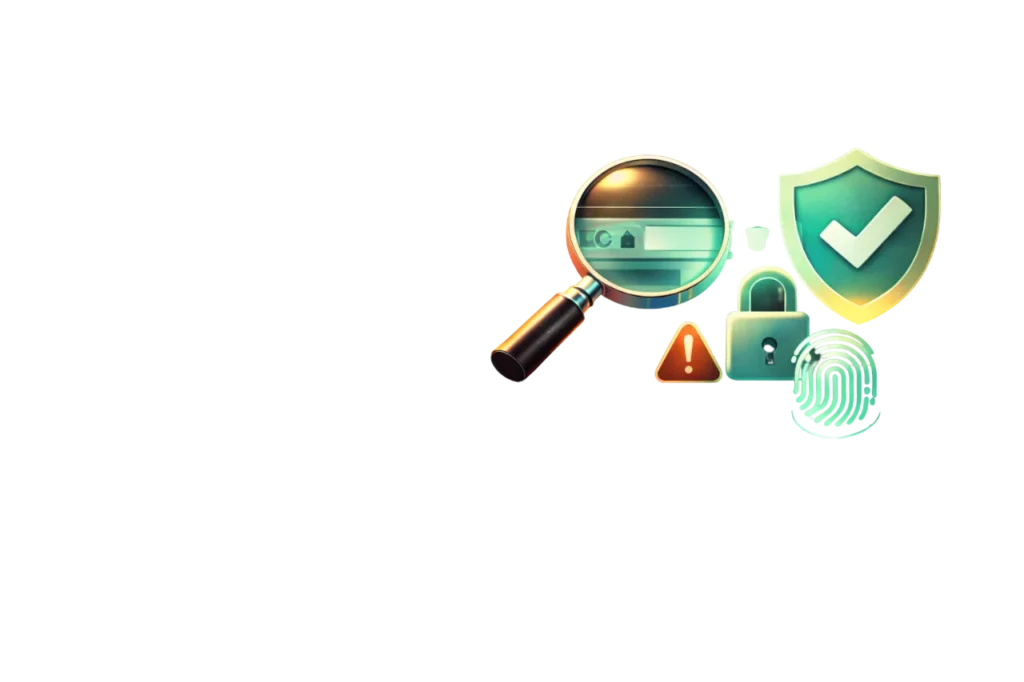
Official verification checklist
- Check the domain: the website address must be exactly the official domain you trust (bookmark it).
- Secure connection: confirm HTTPS and the browser security lock icon.
- Never share OTP/PIN/password: support will never ask for your password, PIN, or OTP.
- Use official app links: download the app only from links published on this website.
- Cross-check license details: confirm the license number and operator details on the official page.
- Avoid “too good to be true” offers: bonuses must have clear terms and conditions.
- Official license info: License & Operator
- Account protection tips: Account Security
Warning signs of a fake site
- The domain looks similar but includes extra letters, numbers, or unusual endings
- Aggressive pop-ups pushing urgent deposits or “verification payments”
- Requests for OTP/PIN/password “to unlock” an account or withdrawals
- Promotions with no terms, no wagering rules, or unclear withdrawal conditions
- Payment instructions via personal numbers/accounts or “support” asking you to transfer money manually
Safe login rules
Support will never ask for your password, PIN, or OTP.
Use a strong password and change it regularly. If available, enable 2FA for extra protection. If you suspect someone has access to your account, change your password immediately and contact suppor
Safe app download rules
- Download the app only via official links on this website
- Check the app version and requested permissions before installing
- Keep your device updated
- Never share your login credentials
- If you installed an APK from an unknown source, uninstall it and run a device security scan
Official app guide: Download App
Safe payments rules
- Use only accounts that belong to you (name match may be required)
- Double-check wallet details before confirming
- Never share OTP/PIN/password — support will never ask for it
- If a payment is pending, wait the stated processing time before retrying (avoid duplicates)
- Keep transaction references/screenshots until the balance is updated
- Payment instructions: Deposit & Withdrawal
- Verification rules: KYC & AML
If you suspect a scam
- Do not enter passwords/OTP/PIN and do not make any payments.
- Close the suspicious page and open the official website using your bookmark or by typing the address manually.
- Contact support and report the suspicious link or message.
- If you already shared credentials, change your password immediately and review account activity.
FAQ
Q: Will support ask for my OTP or PIN?
A: No. Support will never ask for your password, PIN, or OTP. Learn more on Account Security.Q: Where can I confirm license and operator information?
A: Use the official page License & Operator.Q: I clicked a suspicious link. What should I do?
A: Close the page, do not enter any credentials, and contact Support for guidance.